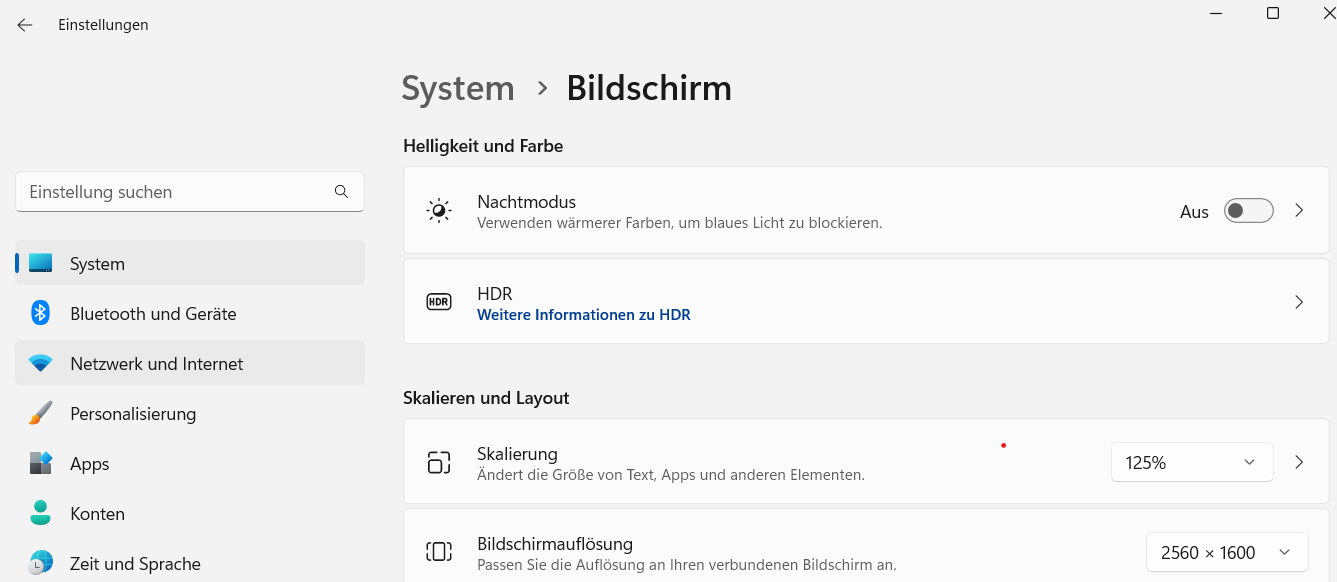
This changes the size of controls and fonts for all applications under Windows, not just AGS. Unfortunately, due to technical reasons, it is not possible in the current version to individually resize controls and fonts for AGS only.
To remedy this, you can adjust the scaling to a higher value than 100% (e.g., 150%) in the Windows system settings (Windows Start menu, Settings, System > Display).
This changes the size of controls and fonts for all applications under Windows, not just AGS. Unfortunately, due to technical reasons, it is not possible in the current version to individually resize controls and fonts for AGS only.
If you experience problems with the graphics display or the performance of DOSBox , please refer to the Display and Performance section in the DOSBox settings for possible solutions.